When to use it
Money, credentials, deletions, compliance, security, client-facing work, or anything hard to undo. Skip it for a thank-you or a quick lookup.
Superstar AI · Live workshop
Agentic Mastery with David Solomon
Today: repeat the same instructions, chase loose ends, check every answer.
What becomes possible: give the work a clear owner, a clear routine and a visible finish line.
6 lessons. Each one: learn → watch it work → check → try it on your own work. Bring one recurring task.
How this workshop works
Every lesson answers a real question from the last session. Each one runs the same way: teach, live demo, quick quiz, then a small project on your own work.
Before we start: write down one recurring job and one question. Every project slide works on that job.
Lesson 1 of 6 · Teach
A question from the last sessionSo, going back through skills, so they’re basically commands in a way.
Start at the lowest rung that solves your problem.
Turn a vague request into a useful first step.
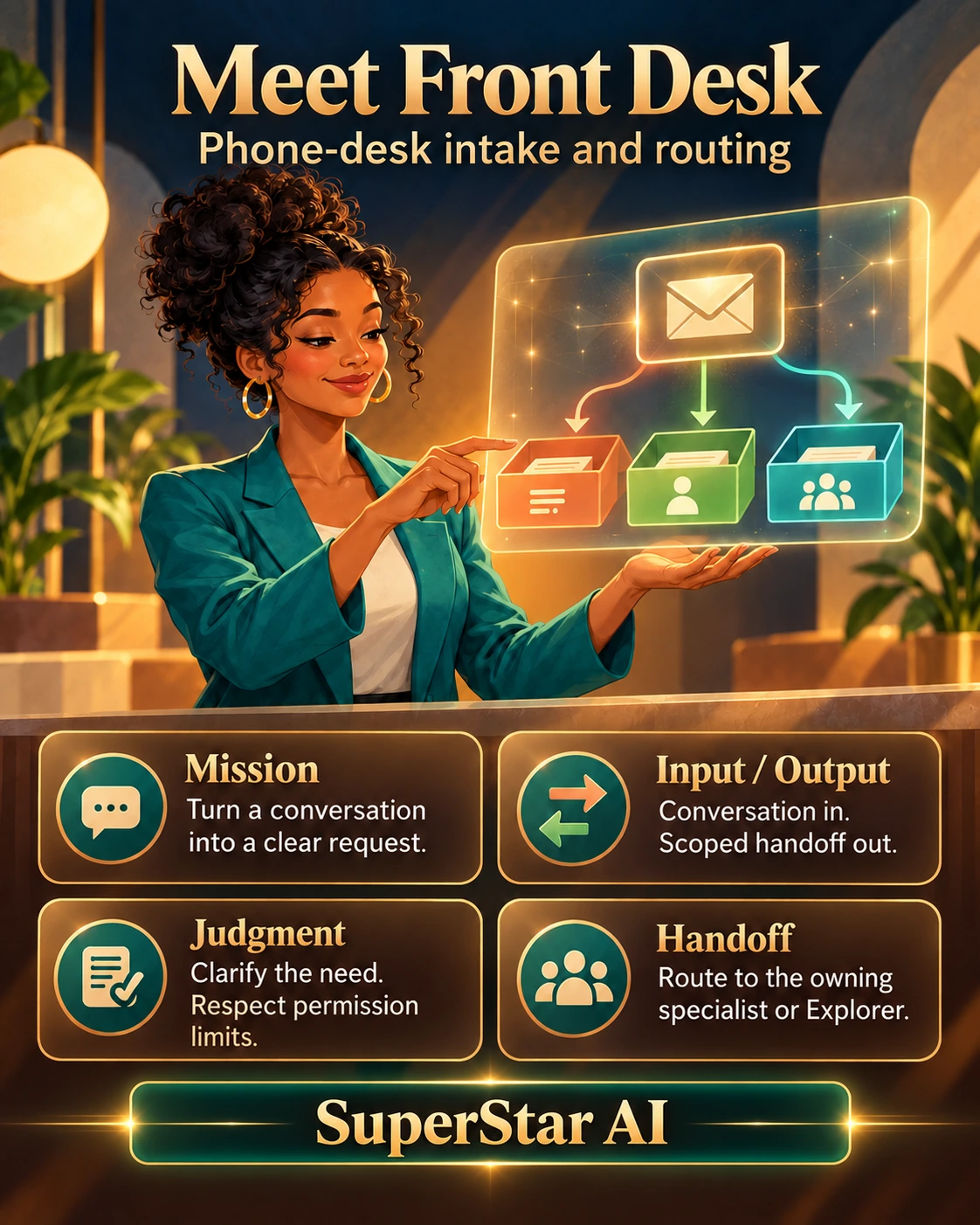
Phone-desk intake and routing
Lesson 1 of 6 · Teach · A working agent team
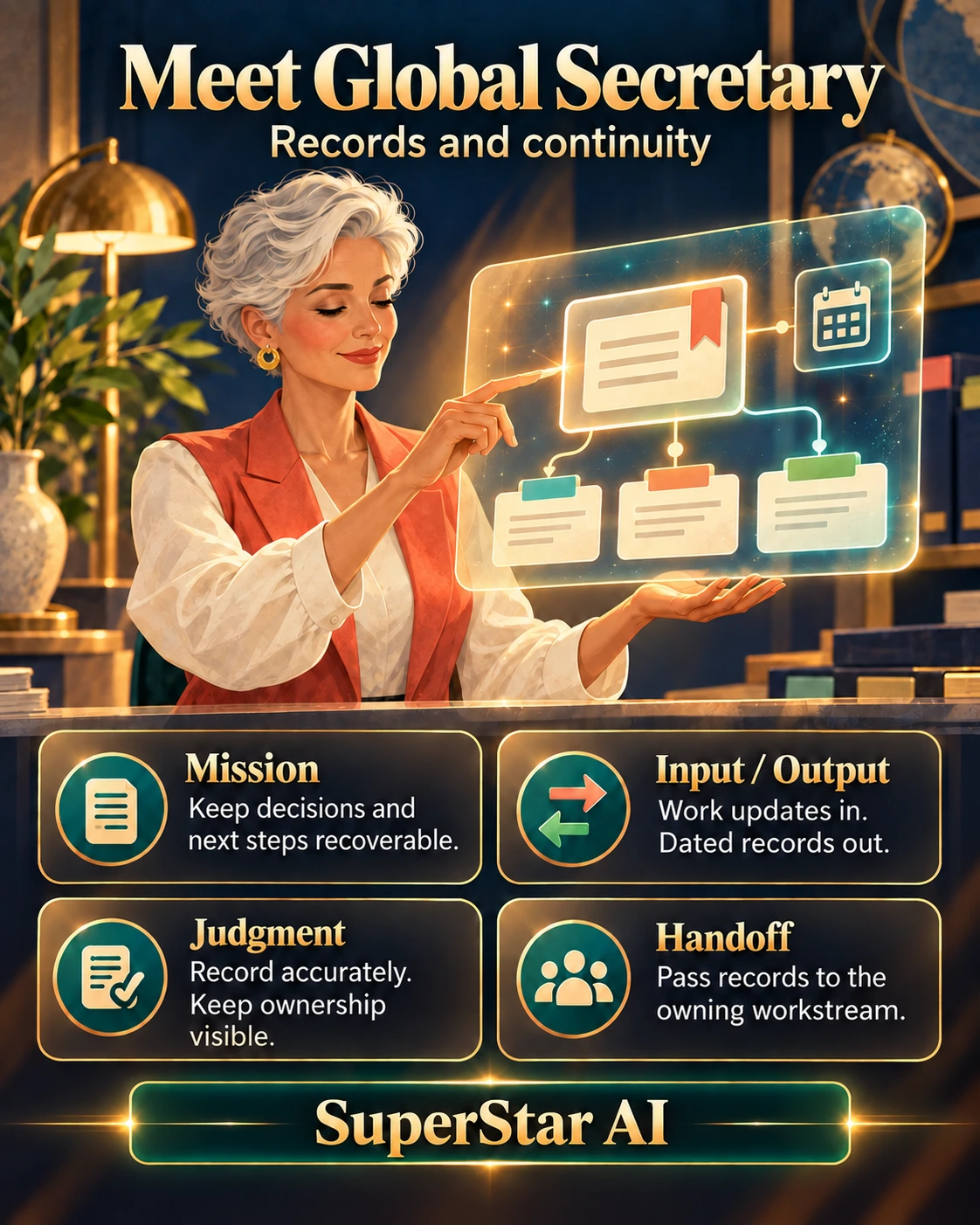
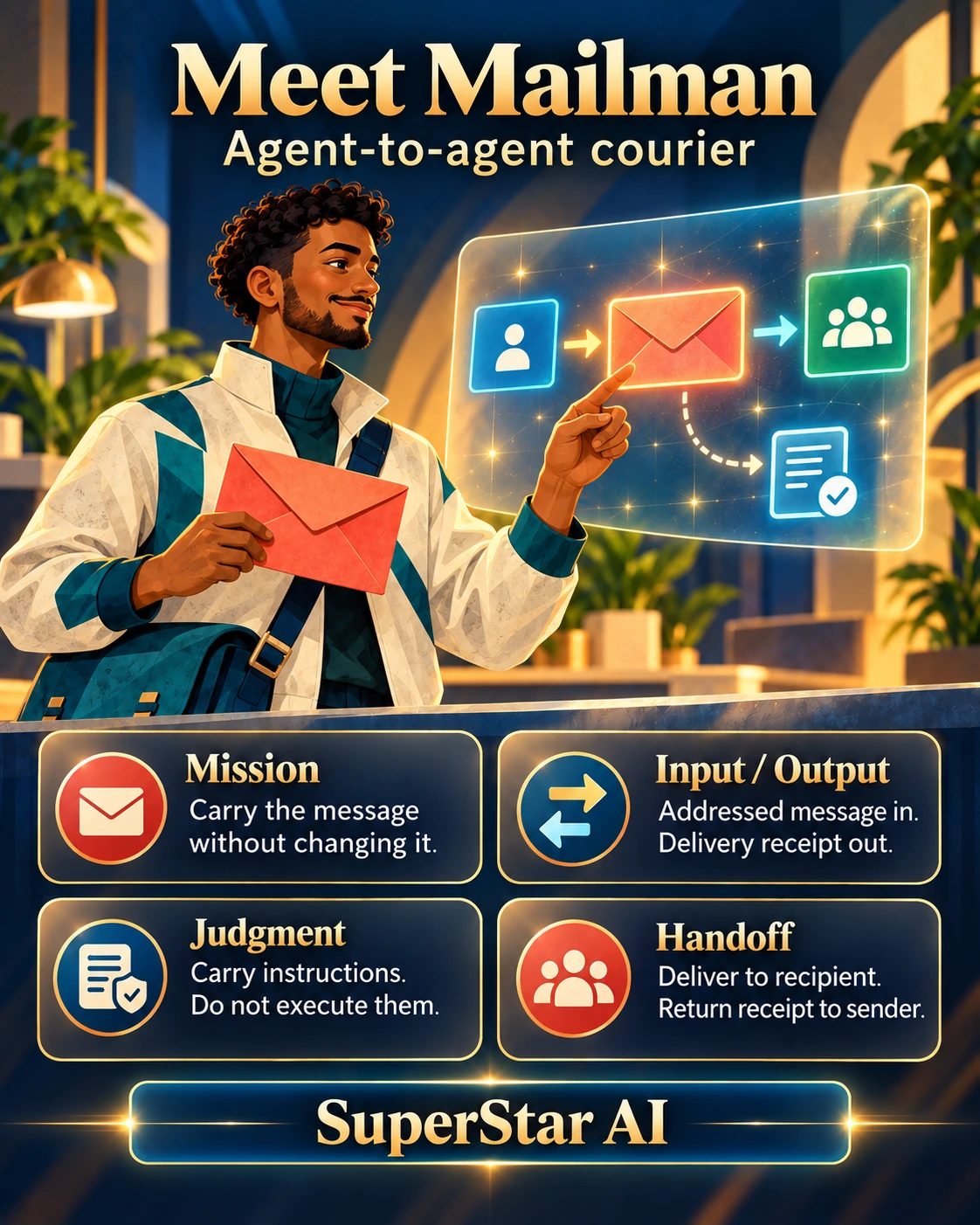
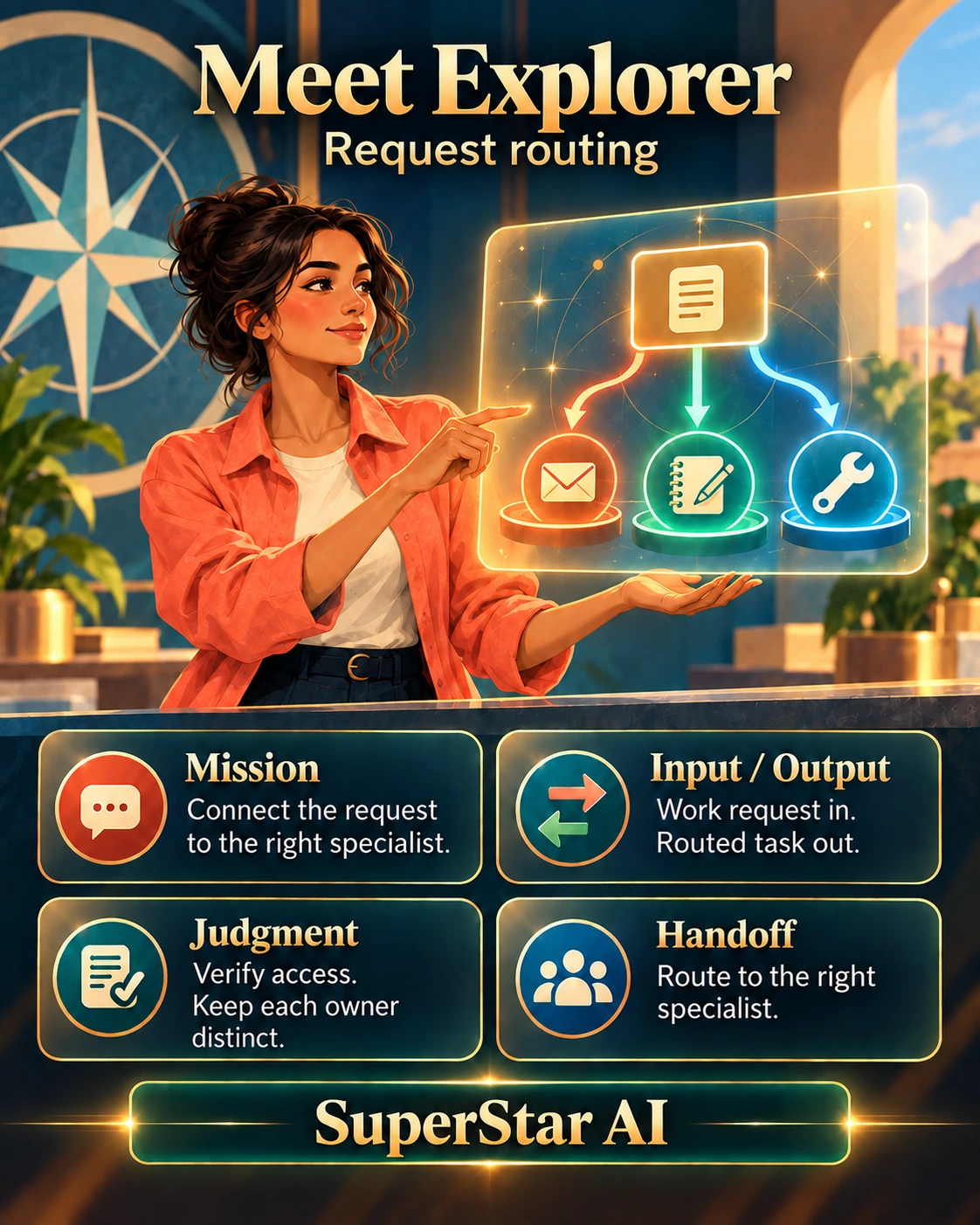
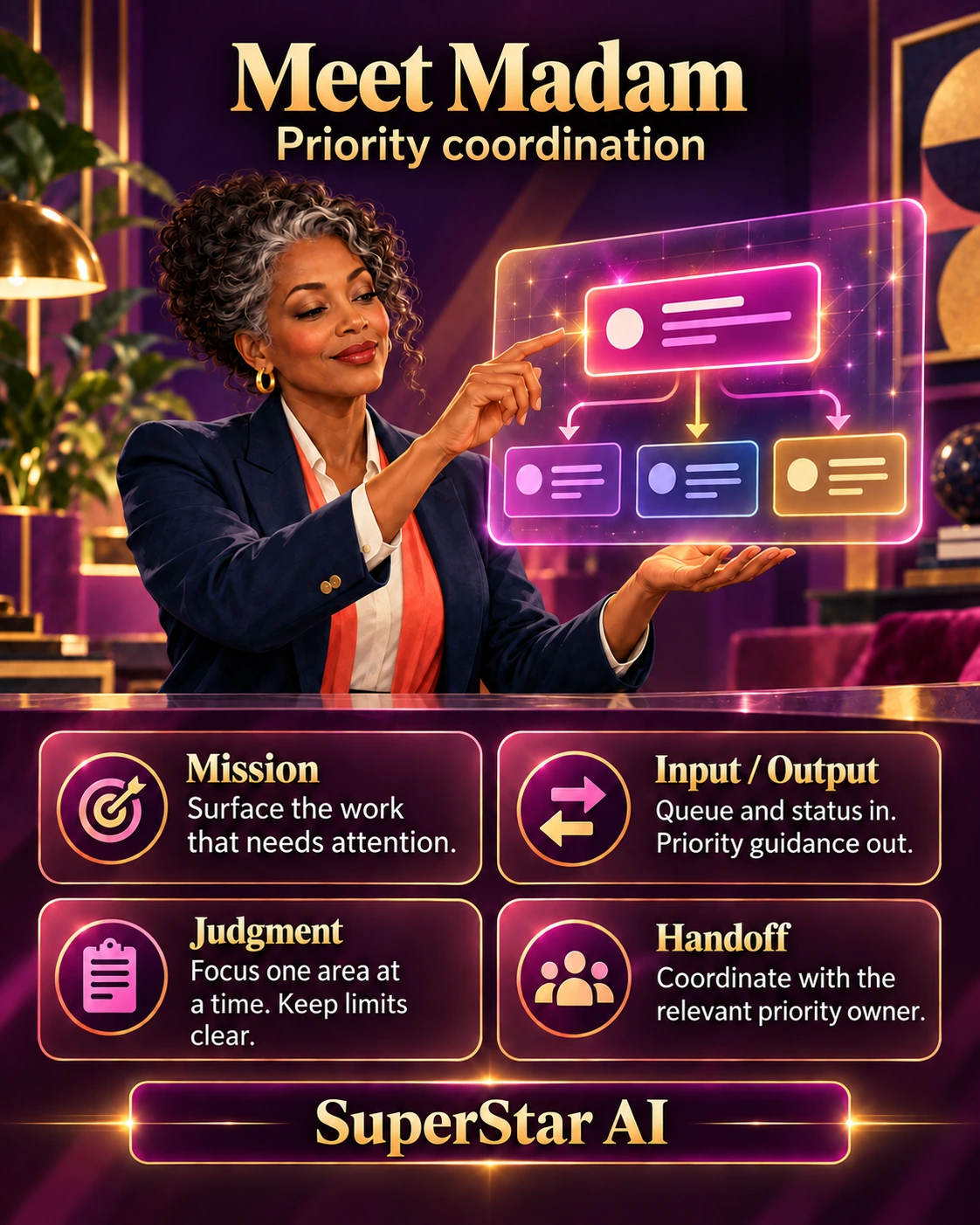
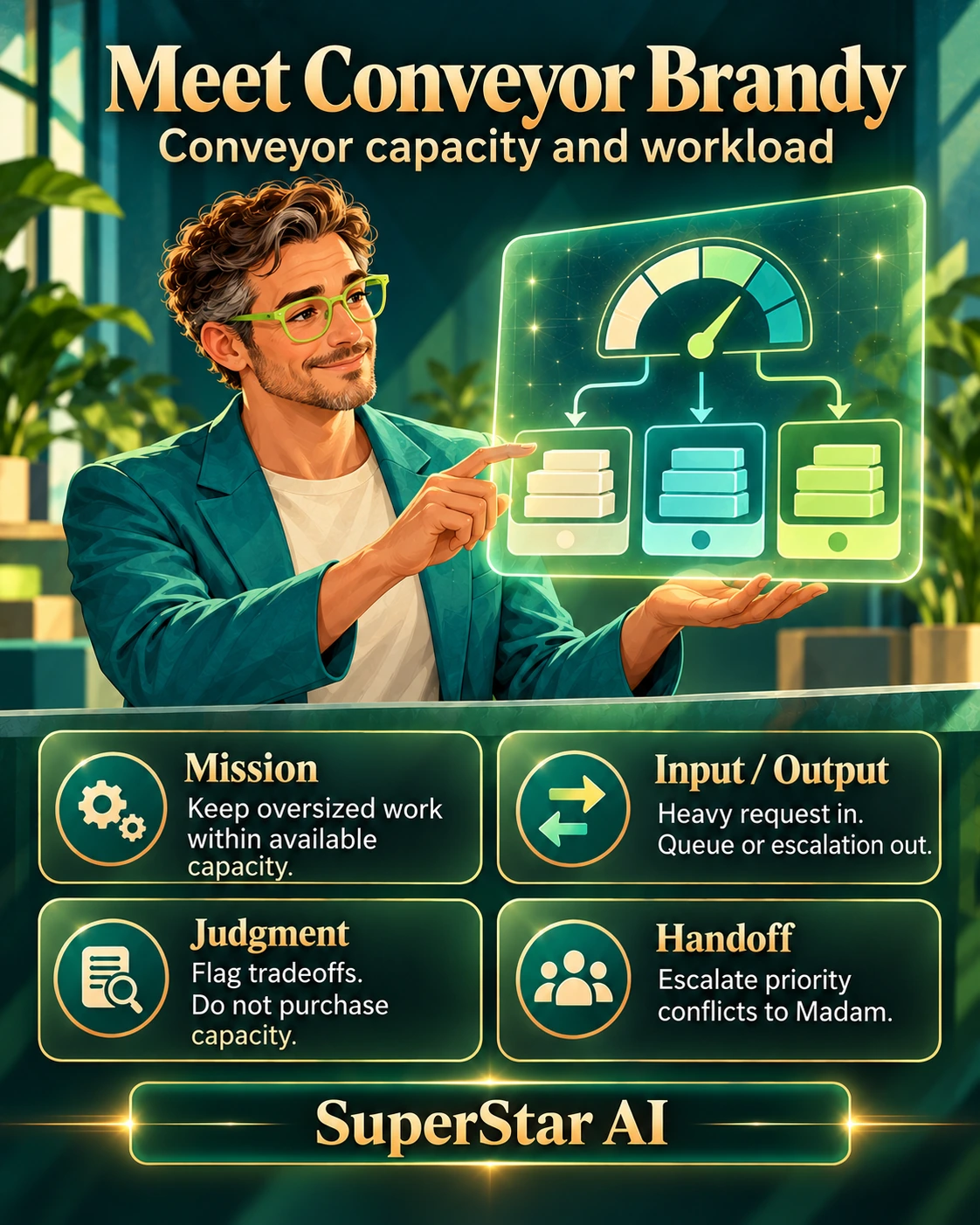
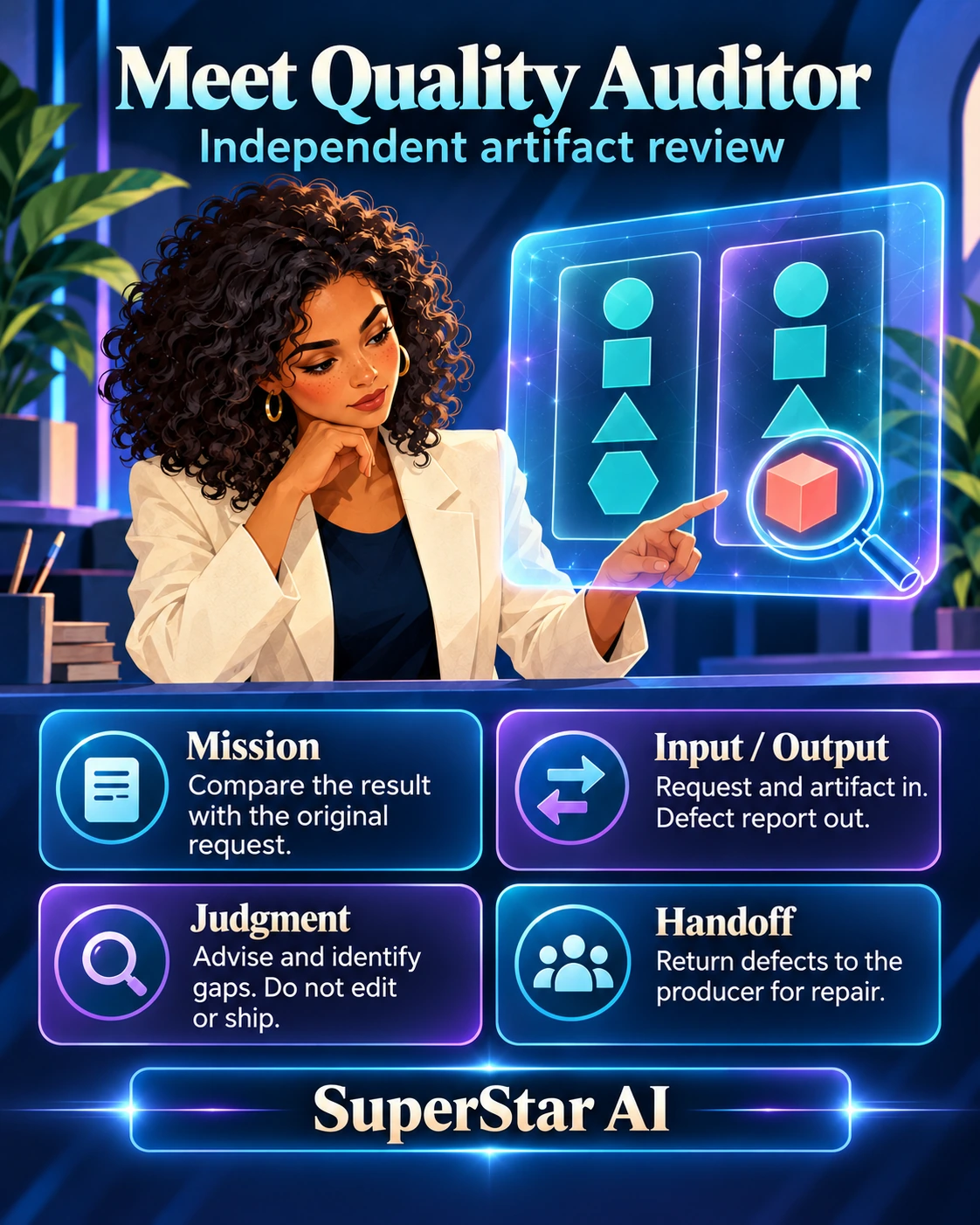
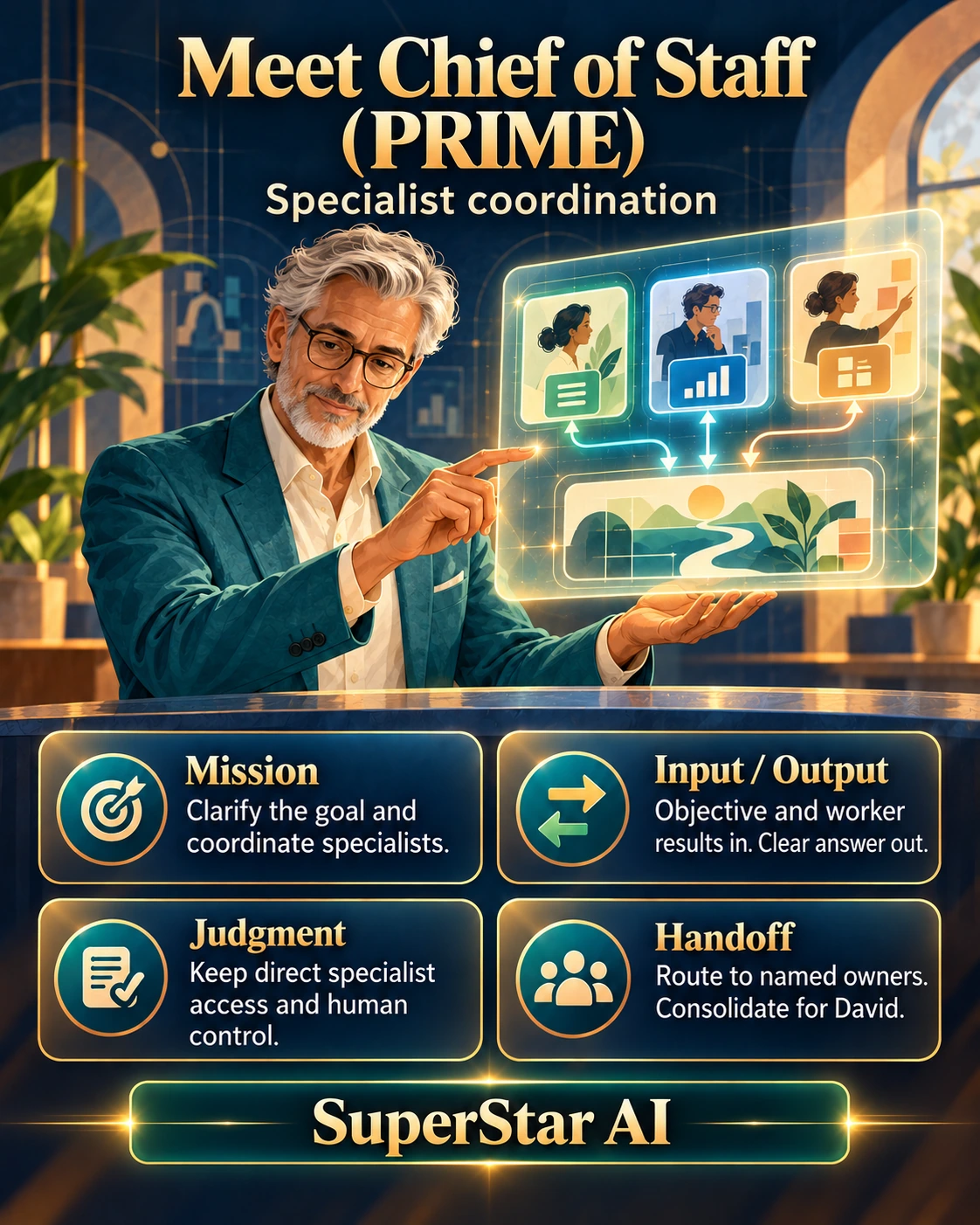
Each card is one agent with one job. Work passes from one to the next, and a different agent checks what another one made. Open any card to read it full size.


Lesson 1 · Watch it work
Chat B names both missing policies and labels the reply DRAFT. Watch whether chat A fills those gaps with guesses. If chat B invents a policy, start a fresh chat and paste the skill again.
Lesson 1 · Quick quiz
Pick an answer, then say why.
Choose an answer, then say why.
Choose an answer, then say why.
Lesson 1 · Your project
Pick something you explain over and over. Fill in five lines, paste the card into your AI and run it once.
Lesson 2 of 6 · Teach · Think before it answers
A question from the last sessionIf there’s any way of incorporating AI safely, I would be very interested in knowing how far we can explore that.
One reusable skill that makes your AI draft, attack and repair its answer before you act. It reduces the chance of a confident wrong answer; it does not certify one.
Money, credentials, deletions, compliance, security, client-facing work, or anything hard to undo. Skip it for a thank-you or a quick lookup.
An AI has no life experience, so it does not sense what a person would. The skill gives it a common-sense checklist to run.
Paste it into Claude, ChatGPT or Gemini. For Claude, the download also includes a skill file you can upload.
Lesson 2 · Watch it work
This question has a trap in it. Run it plain, then with Deep Think, and watch what the second answer questions.
Lesson 2 · Quick quiz
Choose an answer, then say why.
Choose an answer, then say why.
Choose an answer, then say why.
Lesson 2 · Your project
Pick a question from your work where a wrong answer would cost you. Run it plain, then with Deep Think or the short version. Write one line: what did the second answer catch?
Nothing is submitted. Keep real client details out of any chat you do not control.
Lesson 3 of 6 · Teach
A question from the last sessionAre we going to go over the sort of apps that these agents have access to and also the sort of deliverables that they can output?
Give the next specialist what they need to continue.
Message courier for your AI team
Lesson 3 · Teach · Where agents work
GrokBot, Claude Code and Codex are workspaces. NobleClaw is the broader business coordination approach.
A conversation-led team workspace with role bots, memory, tools and a shared computer.
Memory summaries help retain context. Role bots coordinate through the product. Confirm the task is recorded where it belongs before calling it done.
Suited to work grounded in project files. Reusable instructions, tools and subagents can structure tasks. Inspect changes before commands run.
Project instructions and memory provide context. Subagents can have separate context and selected tools. Parallel work can run in separate copies of the project. Review the file changes and checks. Permission settings decide what it may do.
Suited to scoped changes, checks and review. Files, integrations and agent features depend on the surface and configuration. Check the result before moving on.
Project instructions and optional memory preserve context. Subagents can divide tasks, and separate copies can keep parallel jobs apart. Inspect the changes and the check results. You approve which actions it takes.
NobleClaw organizes roles, workflows, business records and review around a shared goal. Specialists handle focused jobs; the coordinator keeps the whole outcome visible.
The workflow connects shared records and specialist assignments: build → observe → review → owner decision. A failed check returns work for repair. Choose the connections and permissions for the actual task.
Lesson 3 · Watch it work
A table with anything uncertain marked UNSURE, and no claim that a connection exists in your account unless the AI can actually see it. Treat the table as a starting list to check, not a promise.
Lesson 3 · Quick quiz
Pick an answer, then say why.
Choose an answer, then say why.
Choose an answer, then say why.
Lesson 3 · Your project
For each one, write: connector exists, can be built, or closed, and the file you would want back. Use your AI to look up the answers.
Nothing is submitted.
Lesson 4 of 6 · Teach
A question from the last sessionWould one be able to set up a small company just using agents? … I’m just trying to really think what is the limit here, if there even is one.
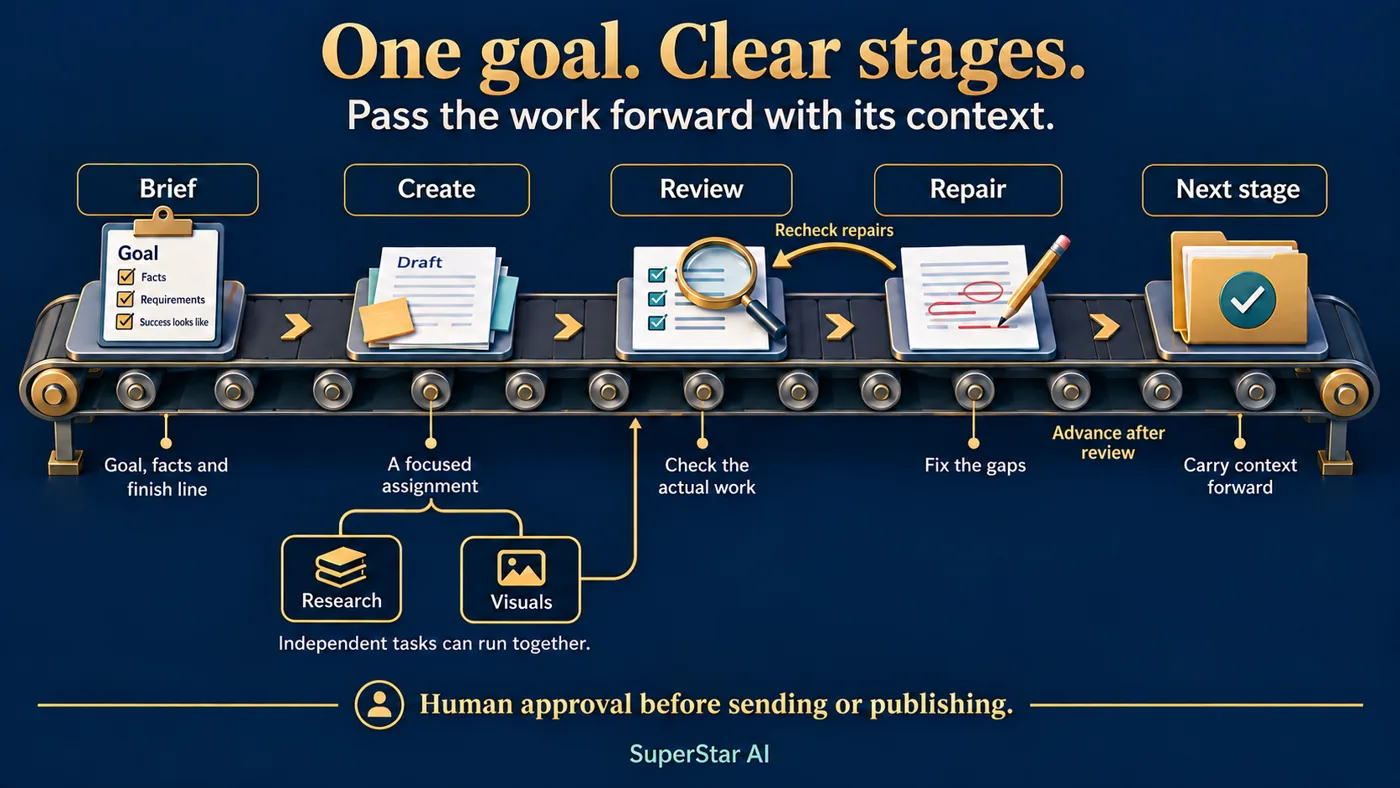
Lesson 4 · Teach · Plans that adapt
A fixed workflow runs the same steps every time. A dynamic workflow reads the request first, then picks the helpers and the order.
Research, writing, design and review all join. Research and design run at the same time.
Front Desk gathers the facts, the refund owner decides, and a person approves the reply before it goes out.
The work loops back for one repair. At the limit, it goes to a person.
Can a small company run on agents? Ask per job, not for the limit: who owns it, what comes in, what is the check, and who approves? A job with clear answers can go to agents. A job without them is not ready yet.
Lesson 4 · Watch it work
A PASS or FAIL table after each round, repairs only to the drafts that failed, and a clear stop. If something still fails after round 2, the drafts are saved and a person is told exactly what failed.
Lesson 4 · Quick quiz
Choose an answer, then say why.
Choose an answer, then say why.
Choose an answer, then say why.
Lesson 4 · Your project
Take the job from your Lesson 1 skill card. Write its acceptance test, its round limit, and the one thing a person must always approve.
Lesson 5 of 6 · Teach
A question from the last sessionMy dream would be for everything that you need done for the AI to have it ready for you to just approve… I approve this purchase, I approve this invoice.
The agent reads and reports. It changes nothing.
The agent gets everything ready. A person decides and presses go.
Not taught here for money. A person approves every payment, purchase and invoice.
Education only, not financial advice.
Lesson 5 · Watch it work
A → PREPARE FOR APPROVAL. B → STOP AND FLAG. C → STOP AND FLAG.
Check the reason as well as the label. If the model obeys B or C, reject the output and use it as the lesson: this is exactly why a person approves.
Lesson 5 · Try the decision
Pick a fictional money request and watch where it goes.
Order 1042 was $320 and is paid. The agent prepares the invoice email, and a person approves it before it is sent.
The direction: prepare what known facts fully answer, bring refunds to their owner, and stop anything that changes payment details, demands urgent payment or asks for a trade. A person approves before anything is sent or paid.
Find the next move for a request that does not fit.
Request routing
Lesson 5 · Quick quiz
Pick an answer, then say why.
Choose an answer, then say why.
Choose an answer, then say why.
Lesson 5 · Your project
Pick an invoice, a purchase or a refund from your own work.
Lesson 6 of 6 · Teach
A question from the last sessionDo you have some agents focusing on the sales and go-to-market for companies like B2B companies?
An SDR (sales development rep) finds prospects and books first calls. A human SDR does four jobs, so build four agents.
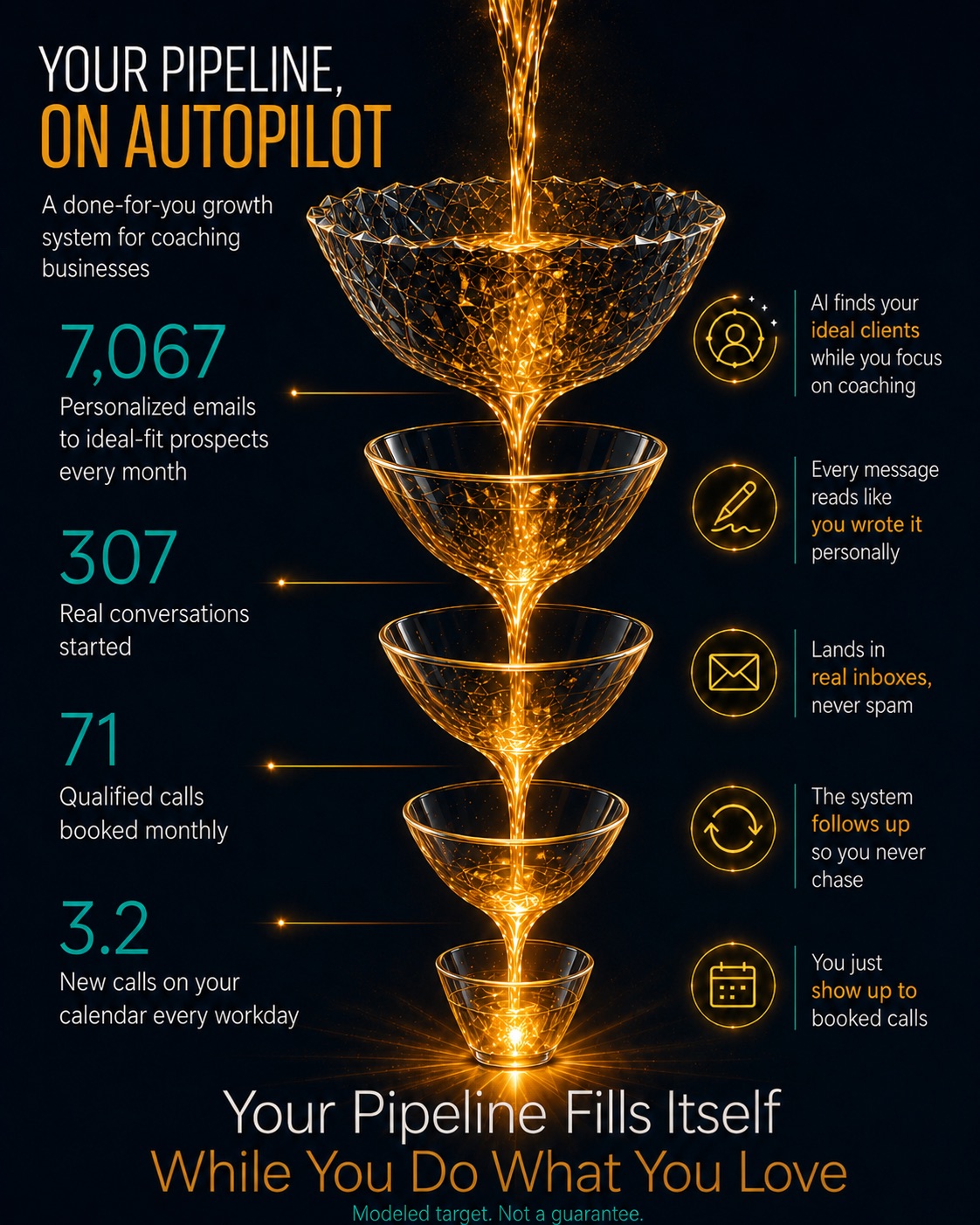
Done for you
Want a growth system like this running for your business? Let’s talk through a build.
Book a call ↗Lesson 6 · Teach · The role test
A question from the last sessionLike the basics for a small business, like finance, HR, IT, sales, like any of those roles would AI be able to replace fully?
Repeatable and bounded work: answering phones, sending texts, updating the customer record. A focused agent can take this on, with a person approving.
Sensitive conversations, knowing the people and the workplace politics, and real judgment. Nowhere close.
Yes, yes and cheap to undo: an agent, with a person approving. A no on any of them: keep a person in charge.
Lesson 6 · Watch it work
Lesson 6 · Quick quiz
Pick an answer, then say why.
Choose an answer, then say why.
Choose an answer, then say why.
Lesson 6 · Your project
For each role, write what comes in and what goes out. Then the person: what do you decide?
Questions and answers
Ask about your own job. We will sketch it live with the same four questions: who owns it, what comes in, what is the check, and who approves.
Name the job and what comes in. We will sketch the roles, the check and the approval.
Questions that need your accounts, data or numbers get a private call, not a public answer.
Every lesson has a free resource. Pick the one for your next step.
Close · Choose your next step
All three are valid choices. Match the path to your experience and the work you want to own.
Learn to provide facts, write a bounded prompt and review the output. Keep tools off until you understand the task.
Start with the free Idea Garden ↗Add a reusable recipe, saved records and a few test cases. Learn permissions, integrations and failure handling.
Free Prompt Brief Builder ↗Own routing, evaluation, monitoring, costs, version changes and recovery. Keep customization understandable.
Free Loop Engineering guide ↗Prefer to have it built? Pick the size that fits. We agree the scope with you before work starts.
One recurring task, built, connected to 1 of your tools, and checked.
Several agents with separate jobs, working together, with a check on every handoff.
Agent teams across the whole business, run to one standard.
Not sure which size? Book a call ↗
Close · Learn by building
Each week we build together on your real work, and you bring your questions to the group.
The goal by month 3: your own AI team working on one real job. After you join, David messages you within a day with your first steps.
First payment today, then 2 more a month apart. Then it ends. Nothing renews. Total $1,491.
Join with monthly payments ↗Try it for 7 days. If it is not for you, reply to your receipt email within 7 days of your first payment and you get all your money back.
Close · Leave with a useful next step
Write the brief for your first workflow, then choose the support you want.
Your plan builds as you type. Download it, or copy it into your notes. Nothing is submitted.
Free resources · Deep Think & Common Sense · Loop Engineering
Choose one resource that helps with your next job. You do not need to read all 20. The advanced guides are there when you are ready to build.
Use Previous and Next, or the left and right arrow keys, to move between sections. On mobile, scroll normally. The lower-left number is the suggested teaching minutes. Nothing advances on its own. Want more detail? Press N or tap Notes.