
Which tasks in my small business are worth automating first?
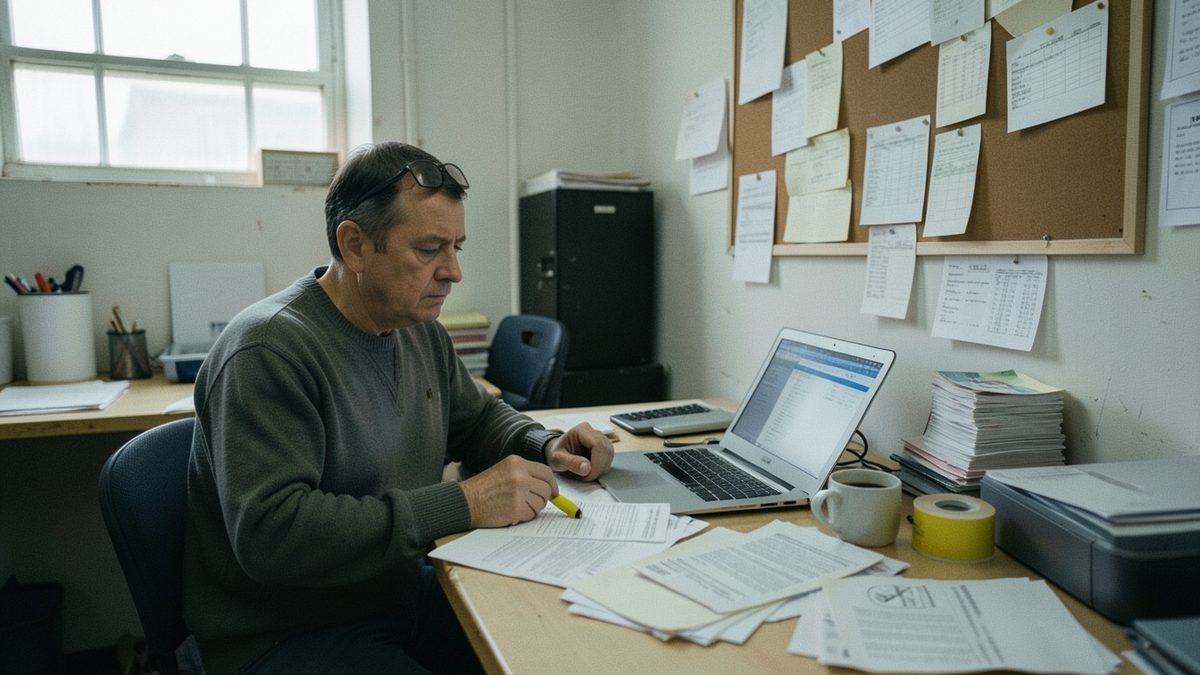
Automate first the job you already repeat, that follows a clear pattern, and that a person can still check. Routine email, invoice reminders, lead sorting, and receipt matching fit that test. Hold off on payments, messy quotes, and every customer conversation until the first job runs reliably and someone has proven it saves time.
What makes a task worth doing first?
David Mills at LearnWire gives the test. AI automation for a small business works best when you start with one repetitive task that costs time, follows a clear pattern, and is easy for a person to check. He adds that a good first task is frequent, fairly predictable, low-risk, and reversible.
Mills makes reversible concrete. His setup steps say to give the team a clear way to pause the workflow and return to the manual process. If you cannot picture the undo, it is not the first task.
Rose McMillan at Capsule, a contact-management software company, writes that frequency matters more than people expect. Saving a few minutes on something you do 100 times can beat saving an hour on a quarterly job. The daily copy-paste is what eats the week.
Where is the time going each week?
Capsule's guide says the average small business owner spends about 36% of the workweek on small administrative tasks: invoicing, data entry, chasing payments, copying information between apps. If that sounds like your Tuesday, you are not imagining the drag.
Reckon, an accounting software company, sat down with its CEO, Sam Allert. Writer Oliver Gye reports that Allert sees a major drain for small businesses in repetitive, time-consuming tasks like matching receipts and chasing invoices. His tell is simple: "If you get to the end of the day and have to read 50 emails because you're worried about missing one, look at that for automating."
A spokesperson for the Small Business Administration (SBA), quoted in a BizTech Magazine article by Jordan Scott, says to start with the operational challenge rather than the technology: "Leaders should evaluate where employees are spending time on repetitive tasks and calculate the true cost of that manual work." The article adds that small businesses can automate invoicing and payment reminders to improve cash flow.
Which jobs are safe to try this week?
Mills lists starters for many small teams: sorting routine email, drafting replies for review, organizing new leads, or answering straightforward customer service questions. Replies are drafts. Questions are straightforward.
A white paper from the business school at Switzerland's Fachhochschule Nordwestschweiz (FHNW) names the same neighborhood (the page is in German). It says suitable starting points are customer enquiries, documents, quotes, reporting, and invoice processing, because repeated information work shows up there.
Salesforce, in a write-up by Caylin White and Martín De Leon, says a lean team should start with one well-defined job with clean data behind it. In the survey behind that advice, 36% of respondents named clean, accessible data where the agent works as the clearest sign of a fast start, and 36% named a narrow, clearly defined job.
Score the common starters like this.
| Job | Start here if | A person still decides |
|---|---|---|
| Routine email sorting | The day's end is a pile you fear missing | Complaints, refunds, and odd exceptions |
| Payment reminders | The same chase note goes out on a schedule | Disputes and write-offs |
| Lead sorting | New enquiries land in one inbox or form | Price, date, and any promise |
| Receipt matching | The vendor and the category repeat | Amounts that look wrong |
| Reply drafts | You already have a stock answer | Anything that would send unseen |
Pick the row you do most often, as long as a person can still check it.
How do you pick one before you buy a tool?
Do not open a software tab first. Open a note. McMillan's first step is to start with a normal week, not an automation tool, and to write down every time you catch yourself copying something, sending the same kind of email, checking the same spreadsheet, or reminding someone about the same next step. She says a week is usually enough to see the repeat offenders.
Before you pay for anything, Mills says to record a baseline using your own workflow and not to assume a vendor's time-saving estimate will apply to your business. He also maps a workflow in plain language as four parts. The trigger is what starts the task. The AI step is what the system should summarize, classify, extract, or draft. The action is what happens next. The human check and fallback is who reviews the result, and what happens if the AI is uncertain or the process fails.
Write those parts on a single sheet. If a person must approve everything, narrow the task until it is easy to check. If you want help turning it into a working setup, take a look at AI workflow automation for that one checked job.
What should you leave alone for now?
Mills is plain about where not to start. He says to avoid tasks where an undetected mistake could have serious consequences, such as final decisions about payments or refunds, changes to payroll or financial records, and sending sensitive or high-stakes messages without review. He also says not to move to automatic sending, refunds, payments, or record changes just because the first few examples look good.
Messy quotes and messy intake belong on that list. Mills says that if the current process is unclear or constantly changes, tidy it up before automating it, because automation can make a confusing process happen faster without making it better. Fix the path, then let a tool walk it.
Reckon's article offers three questions for what stays with you. If this goes wrong, does it land with me? Does this task need my judgement? Are my customers or clients expecting to deal with me? If the answer to any of these is yes, the article says, the task stays with you and gets checked before it goes out.
Capsule adds that silent automation errors are worse than manual errors because nobody knows they happened, so leave yourself somewhere to see failures. Keep one named person responsible for the result. If the review effort, errors, or costs outweigh the benefit, Mills says, simplify it or stop using it.
FAQ
What if my whole week feels repetitive?
Pick the single task you do most often that follows a clear pattern and is easy to check. A bounded job beats a plan to automate the whole company, and Capsule's guide says you do not need to automate your whole business this month.
Should I automate invoicing before email?
Chase the bottleneck you can name. If the daily job is copying payment reminders, start there, since the BizTech article ties invoicing and payment reminders to cash flow. If the pain is 50 emails at the end of the day, start there, and do not hand over the payment itself.
How long should I test the first task?
Log a week of repeats before you switch anything on. Capsule suggests a week or two of real use on the first process, and Reckon's article says to review after a month whether it saved you time.
Sources
- LearnWire, David Mills, November 2, 2026: https://learnwirepro.com/what-should-small-business-automate-with-ai-first/
- Capsule CRM, Rose McMillan, October 25, 2026: https://capsulecrm.com/blog/small-business-automation/
- Reckon, Oliver Gye, November 3, 2026: https://www.reckon.com/au/blog/ai-for-small-business-what-to-automate/
- BizTech Magazine, Jordan Scott, March 6, 2026: https://biztechmagazine.com/article/2026/03/ways-smbs-can-use-automation-and-how-get-started
- FHNW Hochschule für Wirtschaft, Achim Dannecker, Lukas Meyer, Kevin Lang, October 21, 2026: https://www.fhnw.ch/de/wirtschaft/aktuelles/news-storys/alle/prozessautomatisierung-ki-schweizer-kmu-white-paper
- Salesforce, Caylin White, Martín De Leon, October 27, 2026: https://www.salesforce.com/blog/small-business/takeaways-from-the-state-of-agentic-ai-report-for-smb/
If you want a second set of eyes on the first task to automate, book a call.